
Key takeaways
- Google says local results depend mainly on relevance, distance and prominence. Distance changes with every searcher, so your rank changes from suburb to suburb.
- A local rank grid repeats one search from several points on a map. Read the grid size, the pattern and the date, not just the average.
- On 13 October 2026, Becks Bathrooms & Tiling was #1 across the south and east of a 1.5 km grid around Woodcroft and top 3 at 6 of 9 points. Same business, same search, different spots.
- You can’t fake proximity, and in our experience extra service-area suburbs do little. Your category, suburb pages and genuine reviews are the levers you control.
On this page
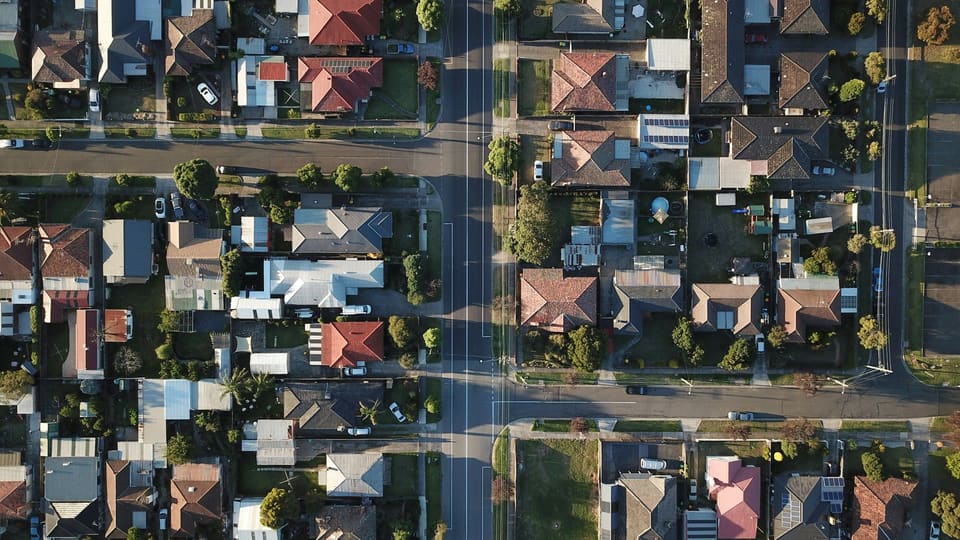
Short answer: your Google Maps ranking by suburb shifts because distance is one of the three things Google weighs, alongside relevance and prominence. Search from a street near your business and you compete with a handful of nearby listings. Search from a few suburbs over and the businesses closer to that searcher get a head start. A local rank grid, which runs the same search from several points on a map, shows where that line falls for your business.
This trips up a lot of owners. You search “plumber” from your kitchen and you’re first. A customer searches from a few suburbs away and can’t find you. Both results are real. Here’s why it happens, what three of our clients’ grids looked like in October 2026, and which parts you can actually change.
Google Maps ranking by suburb: the three things Google weighs
Google’s help page on local ranking says local results are based mainly on relevance, distance and prominence (Google Business Profile Help: improve your local ranking). In plain terms:
- Relevance: how well your profile matches what was searched. Your categories, services and description do most of this work.
- Distance: how far your business is from the location in the search. If no location is typed, Google uses what it knows about where the searcher is.
- Prominence: how well known your business is. Google says this draws on information from across the web, such as links, articles and directories, and that your review count and rating play a part.
Relevance and prominence travel with you. Distance doesn’t. It changes with every searcher, which is why one business can be first in one suburb and out of the top three in the next on the same afternoon.
What a local rank grid shows
Checking from your own phone gives you one result from one spot. A local rank grid repeats the same search from a set of points laid over a map, often nine points in a three-by-three square with your area in the middle. Each point gives a rank. Together they show the shape of your visibility: strong in the middle, fading on one side, or holding all the way out.
Three things to read off any grid:
- The size. A 1 km grid covers a small patch around the centre. A 3 km grid covers a lot more ground. Top 3 across 3 km is a bigger result than top 3 across 1 km.
- The pattern, not the average. An average hides the edges. A grid that is #1 on one side and fifth on the other tells you where competitors are winning.
- The date. Google results vary by location and day. A grid is a snapshot, so we date every one and re-check before relying on it.
A grid also shows something the average position in Google Search Console can’t, because that average blends every searcher together. Our post on why Search Console says #1 when you can’t find yourself explains the gap.
Three real grids from October 2026
All three are live Google Maps checks run on a mobile, logged out, using the openSEO tool. Google results vary by location and day.
May Paving: “paving” across Gawler
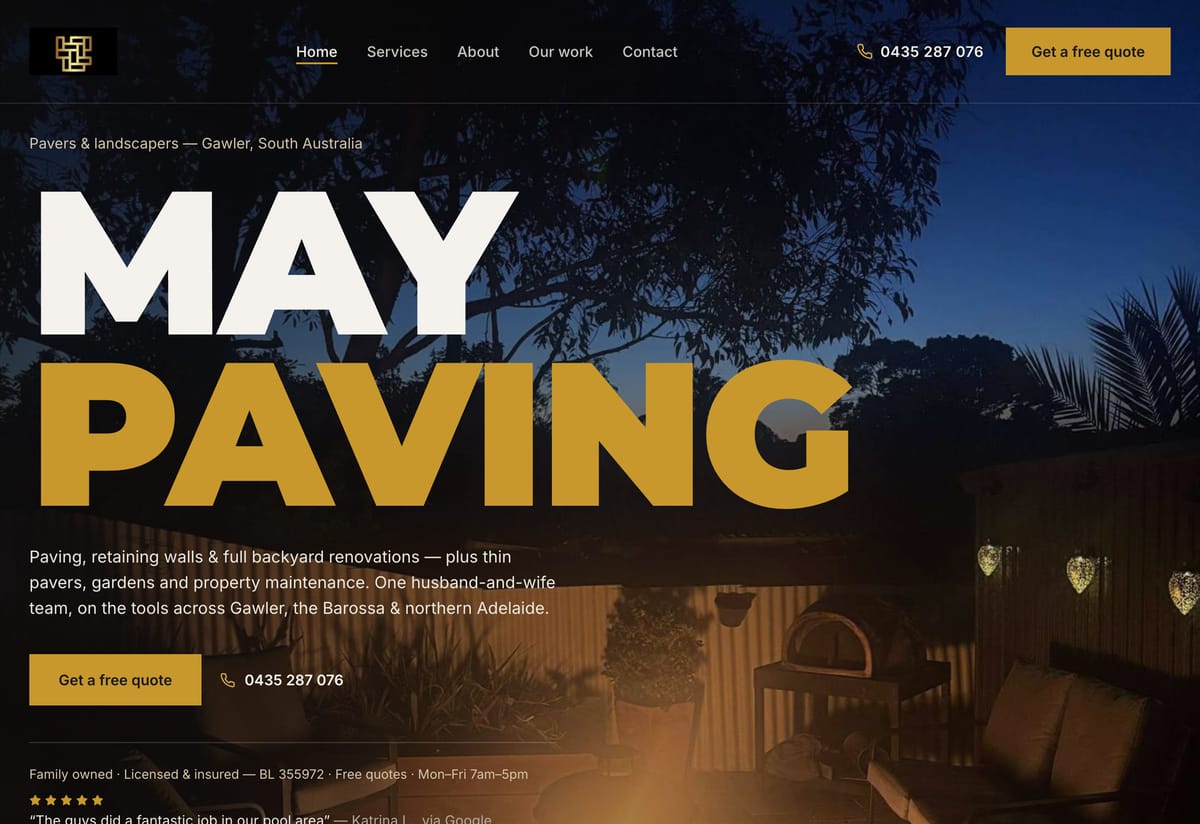
May Paving was top 3 on Google Maps for “paving” at all 9 points of a 3 km grid around Gawler, with an average rank of 1.8. We first checked it on 5 October 2026 and re-checked it on 13 October 2026, and it matched point for point.
That’s the pattern you want: no weak edge. On a 3 km grid the outer points sit well away from the business’s own street, so holding the top 3 at every point suggests relevance and prominence are carrying the listing beyond its immediate area, at least for this search.
Becks Bathrooms & Tiling: “bathroom renovations” around Woodcroft
Becks Bathrooms & Tiling was top 3 for “bathroom renovations” at 6 of 9 points of a 1.5 km grid around Woodcroft on 13 October 2026. It was #1 across the south and east of the grid, and #2 searched from Woodcroft itself. At the other three points it sat outside the top 3.
This is the classic suburb-by-suburb picture. Same business, same search, same day: first on one side, out of the map box’s top three on the other. Nothing on the profile changes between those points. Only the searcher’s position does. The likeliest reason is distance: where Becks slips, competing listings probably sit closer to the searcher, or are stronger there.
Barossa 50's Diner: “burgers” around Tanunda
Barossa 50's Diner was top 3 on Google Maps for “burgers” at all 9 points of a 1 km grid around Tanunda on 13 October 2026.
That’s a strong result, but note the grid size. A 1 km grid covers a small area around the middle of Tanunda. It tells you the Diner holds the map for people searching close by. It doesn’t tell you what someone in the next town sees, and we don’t claim it does. Match the grid to where your customers are: a café needs the streets around it, a tradie needs the suburbs they drive to.
Free SEO audit
Want to know where you show up, suburb by suburb?
A person checks your website, your Google Business Profile and the searches you should be winning, then sends a PDF summary with the fixes in priority order within 1–2 business days.
What you can’t change: where you are
Distance is the one factor you can’t work on. Your business sits where it sits, and Google measures from there. Two common attempts don’t help:
- Adding more suburbs to your service area. The service-area list tells customers where you go. In our experience it does little to move your rank in those suburbs. The ranking still leans on where the business actually is.
- An address closer to the customers you want. Google’s guidelines for representing your business rule out remote mailboxes and unstaffed virtual offices as a business location, and profiles that break the guidelines can be suspended. A suspended profile ranks nowhere.
If customers don’t come to you, the same guidelines cover service-area businesses: you hide your address and list the areas you serve instead. That’s the right set-up and it keeps the profile safe. Just don’t expect the service-area list to do the ranking for you.
What you can change: relevance and prominence
Everything else is in your hands. These are the levers we pull most often.
Your primary category
In our experience, the primary category is the biggest relevance setting on the profile. Pick the one that describes what you are, then add secondary categories for the other real parts of the business. Check what the listings above you use. A plumber listed only as “Contractor” is starting behind. This is the first thing we check in Google Business Profile optimisation.
Keep the business name as your real name, too. Google’s guidelines say the name should match how the business appears in the real world, and adding keywords to it can get a profile suspended.
Suburb pages on your website
A suburb page won’t move your map pin. What it does is give Google a clear page for “[service] [suburb]”, which can help you show in the normal results under the map box and gives your profile’s website link something relevant behind it. They work when each page has real local substance: jobs done there, the area covered, the questions locals ask. Copy-paste pages with the suburb name swapped don’t. Our guide to suburb pages for tradies covers when they’re worth building.
Reviews
Google’s help page says review count and rating factor into local ranking, as part of prominence, and prominence is what helps a business hold its spot further from home. Ask every happy customer, reply to the reviews you get, and never offer anything in return for one. In our experience a steady trickle looks more natural than a sudden burst.
How to check your own suburb rankings
You can build a rough grid yourself without a paid tool:
- Search on a phone in a private window, logged out.
- Use the words customers use, without your business name.
- Check from several real spots: your base, plus two or three suburbs you want work from.
- Look at both the map box in normal results and the Google Maps app. They don’t always agree.
- Write down the date, place, exact search and rank.
- Re-check a week later before changing anything.
If you’re strong at home and weak in one direction, look at who beats you there: their category, their reviews, and whether their website has a page for that suburb. That comparison usually points to the gap.
We run grids like these for our clients and use them to decide what to fix next. See how we approach local SEO in Adelaide, or ask for a free SEO audit: honest advice and a clear recommendation within 1–2 business days.
Frequently asked questions
Why do I rank in my own suburb but not the next one?
Mostly distance. Google weighs how far each business is from the location in the search, along with relevance and prominence. Close to your base you compete with a few nearby listings. A few suburbs away, businesses closer to that searcher get a head start. Stronger relevance and prominence can widen the area where you show, but no one can promise how far.
Will adding more suburbs to my service area help me rank there?
Not much, in our experience. The service-area list tells customers where you travel. Your ranking still leans on where the business actually is, plus how relevant and well known it is. Set your service area honestly, then put the effort into your category, your website pages and your reviews.
What is a local rank grid?
A local rank grid runs the same Google search from a set of points laid over a map, often nine points in a three-by-three square, and records your rank at each one. It shows where you are strong, where you fade, and on which side competitors take over. Always note the grid size and the date, because results vary by location and day.
Can I rank on Google Maps in a suburb where I don’t have an address?
Sometimes, near the edges of your area, if your profile is very relevant and well known. The further out you go, the harder it gets, because distance counts. Suburb pages on your website can help you show in the normal results below the map box. Never use a mailbox or an unstaffed virtual office to look local: Google’s guidelines don’t allow it and the profile can be suspended.
Why do I get a different result every time I check?
Your location, your device, whether you are logged in and the day itself all change what Google shows. For a fair check, search on a phone in a private window, logged out, from the same spot, and write down the date. Compare like with like before deciding anything has changed.
Evidence used in this article
- Google Business Profile Help, “Improve your local ranking on Google” (support.google.com/business/answer/7091): local results are based mainly on relevance, distance and prominence; review count and score count towards local ranking.
- Google Business Profile Help, guidelines for representing your business (support.google.com/business/answer/3038177): business names, ineligible addresses and service-area businesses.
- May Paving: live Google Maps grid for “paving”, 9 points on a 3 km grid around Gawler, 5 October 2026, re-checked 13 October 2026 (openSEO, mobile, logged out).
- Becks Bathrooms & Tiling: live Google Maps grid for “bathroom renovations”, 9 points on a 1.5 km grid around Woodcroft, 13 October 2026 (openSEO, mobile, logged out).
- Barossa 50's Diner: live Google Maps grid for “burgers”, 9 points on a 1 km grid around Tanunda, 13 October 2026 (openSEO, mobile, logged out).
Free SEO audit
Want this checked on your own site?
Tell us your website and the searches that matter. You’ll get honest advice and a clear recommendation within 1–2 business days, with a PDF summary of fixes in priority order.
Get my free audit →